Lightbox
Image viewer built on the Modal — LB.Lightbox. Any <a href="image" data-lb-lightbox> opens in a dialog that hugs the image, with a caption headline + subline, a 1-of-N counter, previous/next buttons and arrow-key navigation through the group, cross-fades between steps, a blurred backdrop, and a full-screen layout on phones. It is the canonical lb-modal anatomy with lightbox chrome — LB.Modal owns focus trap, scroll lock, Esc and backdrop-click.
a11y (built in): the viewer is a role="dialog" with aria-modal and a real labelled title; the thumbnails stay plain links, so without JavaScript (or with modifier clicks — cmd/ctrl/shift/middle) they open the image file itself; prev/next are labelled icon buttons; the counter is an aria-live="polite" region so step changes are announced; cross-fades are skipped under prefers-reduced-motion.
Usage: Load js/lb.js, then js/components/lb-lightbox.js (opt-in module — a console warning names it if forgotten). Author plain thumbnail links: <a href="full.jpg" data-lb-lightbox><img src="thumb.jpg" alt="…"></a>. Grouping: links sharing a data-lb-lightbox="name" value navigate together wherever they sit on the page; bare attributes group within their closest [data-lb-gallery] container (or the whole page with neither). Captions come from data-lb-caption + data-lb-caption-sub on the link, else the closest <figure>'s <figcaption>, else the thumbnail's alt. Programmatic: LB.Lightbox.open(linkEl). Engine boundary: chrome + state only — images are plain links; bring your own loader or zoom if you need one.
Gallery group — [data-lb-gallery]
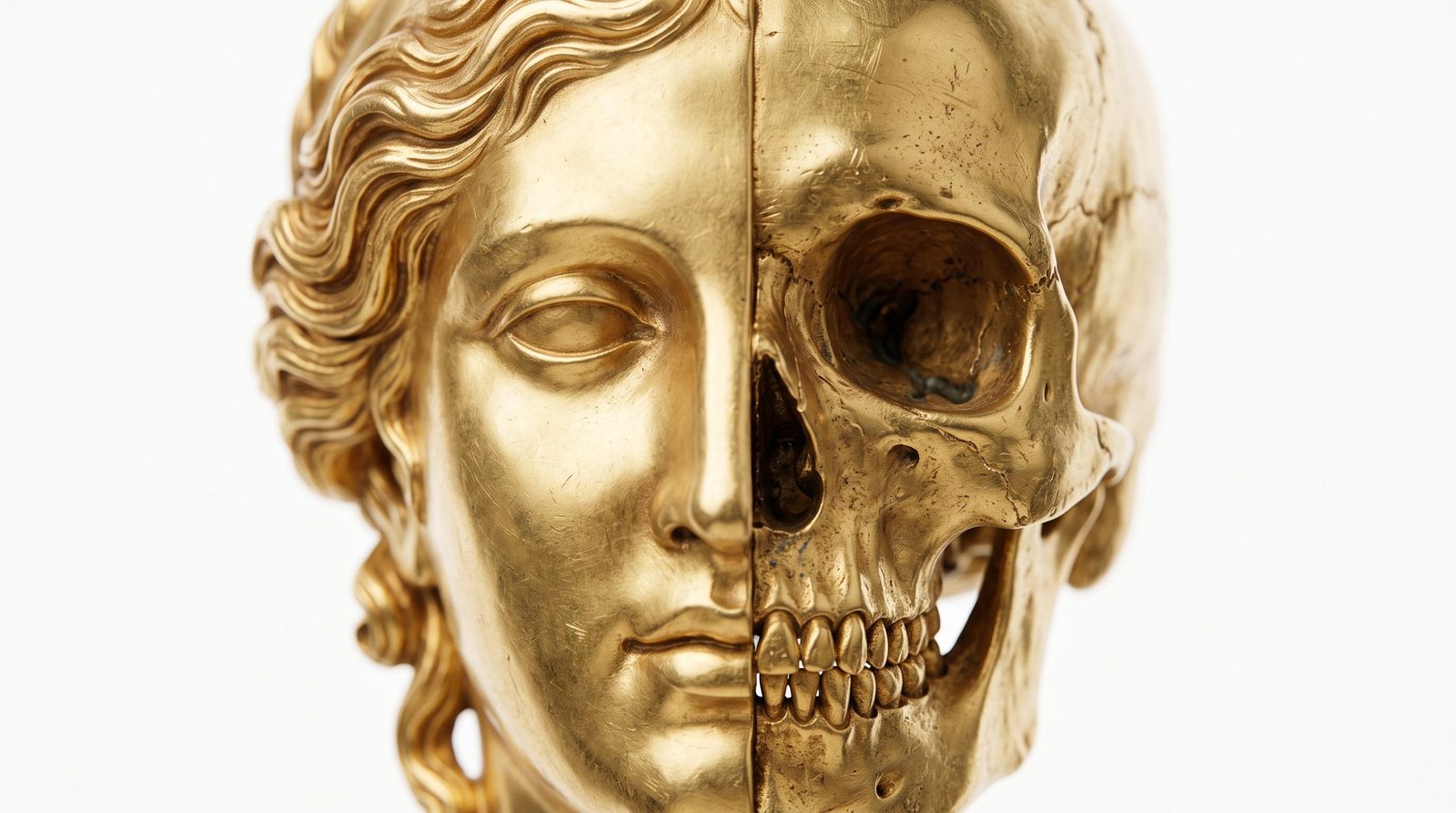
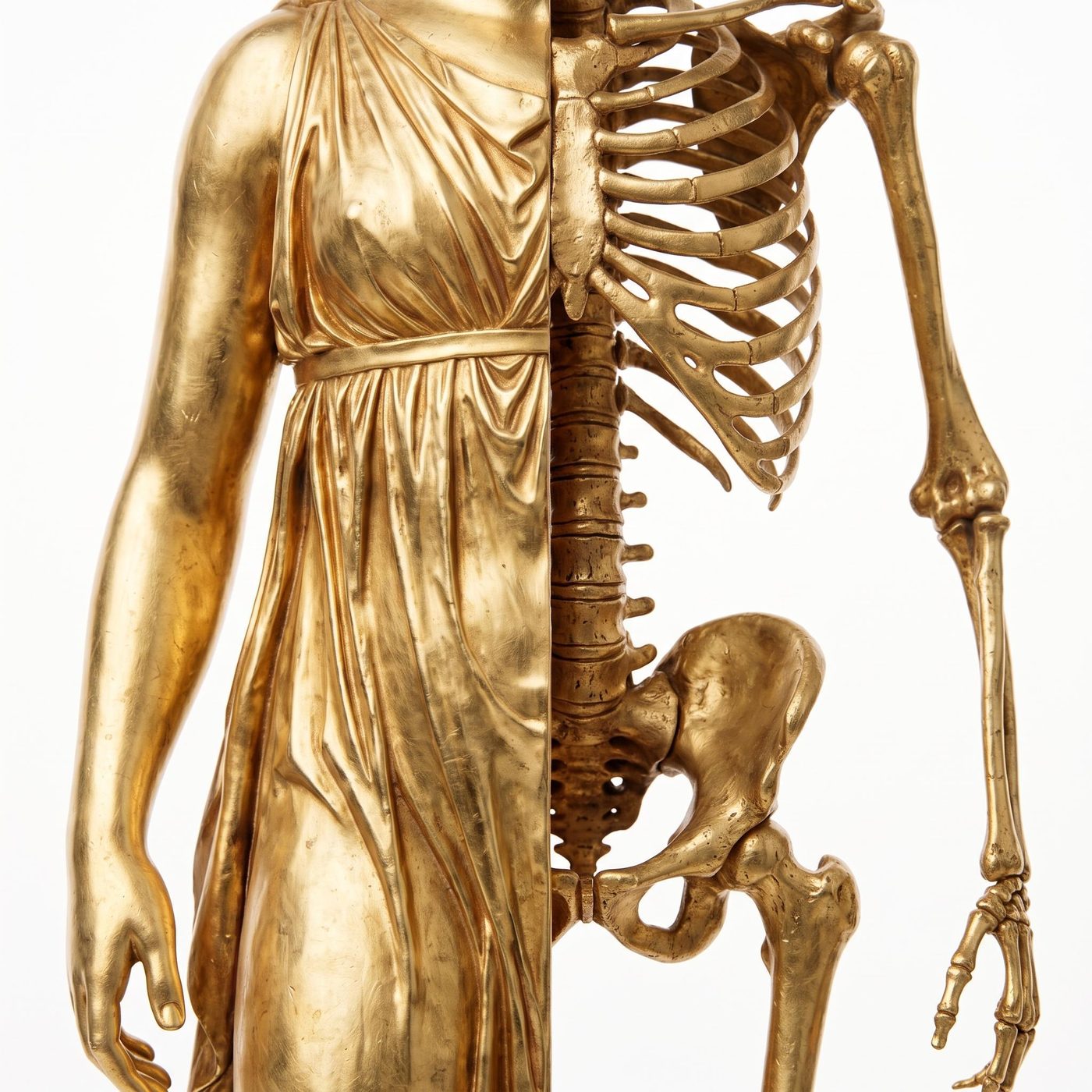
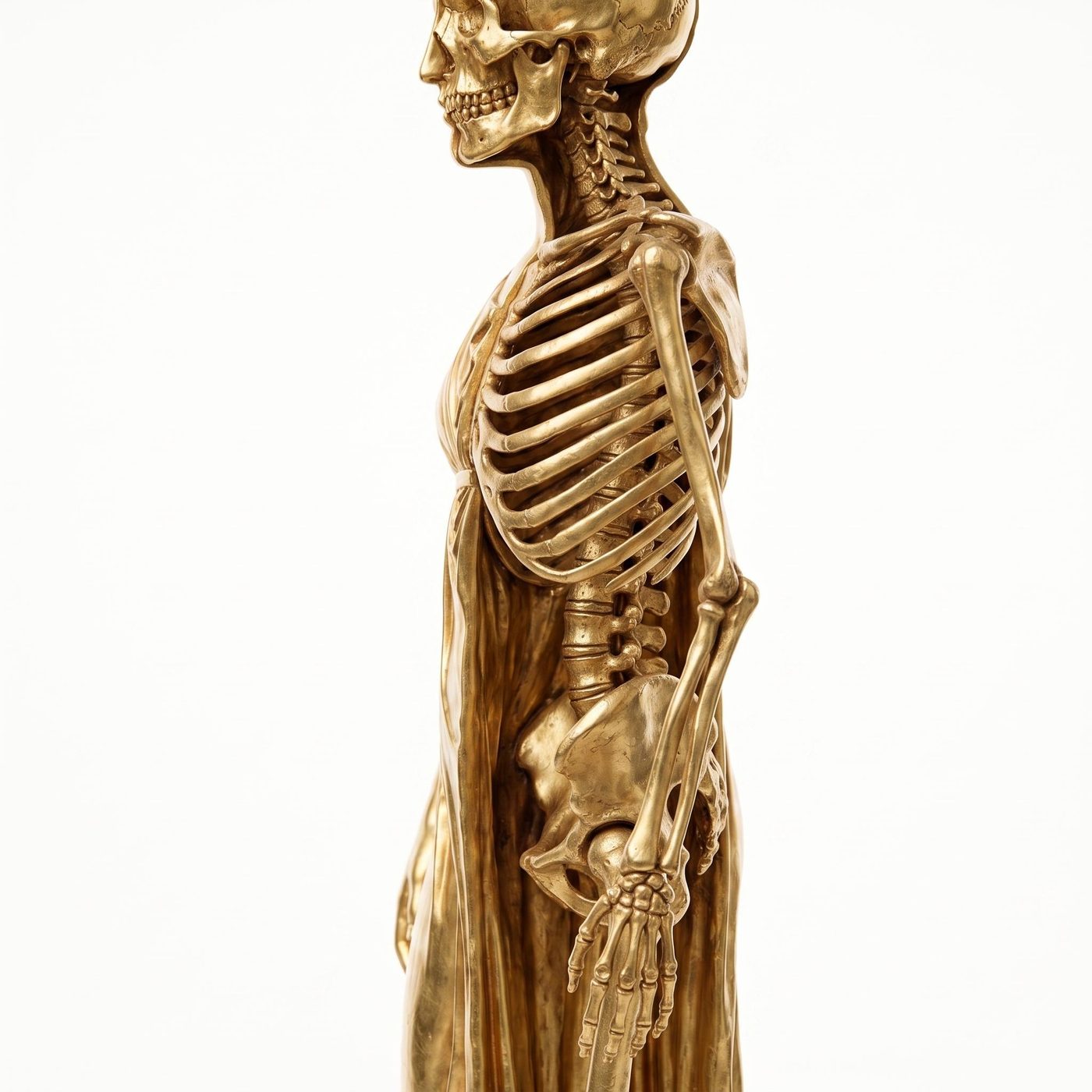
Bare data-lb-lightbox links inside one [data-lb-gallery] container navigate as one group. Captions here come from the <figcaption>s.

Named group + custom captions
These two share data-lb-lightbox="detail" — they navigate together even though they sit apart — and carry data-lb-caption / data-lb-caption-sub for a headline + subline.

Single image
A group of one hides the prev/next controls; the counter reads 1 of 1.